 Lyric Video Maker
Drop audio to begin
MP3, WAV, M4A, FLAC (up to 10 min)
Professional AI transcription & styling awaits
MP3, WAV, M4A, FLAC (up to 10 min)
Professional AI transcription & styling awaits
Lyric Video Maker is a tool that automatically creates beautiful music videos with subtitles for your songs.
Most video editors are too complex for a quick start. They often have more features than you need, so you end up spending a lot of time learning the interface. We offer a simple tool to make music clips in minutes, even without experience in video editing.
The UI is friendly, so you can start creating right away.
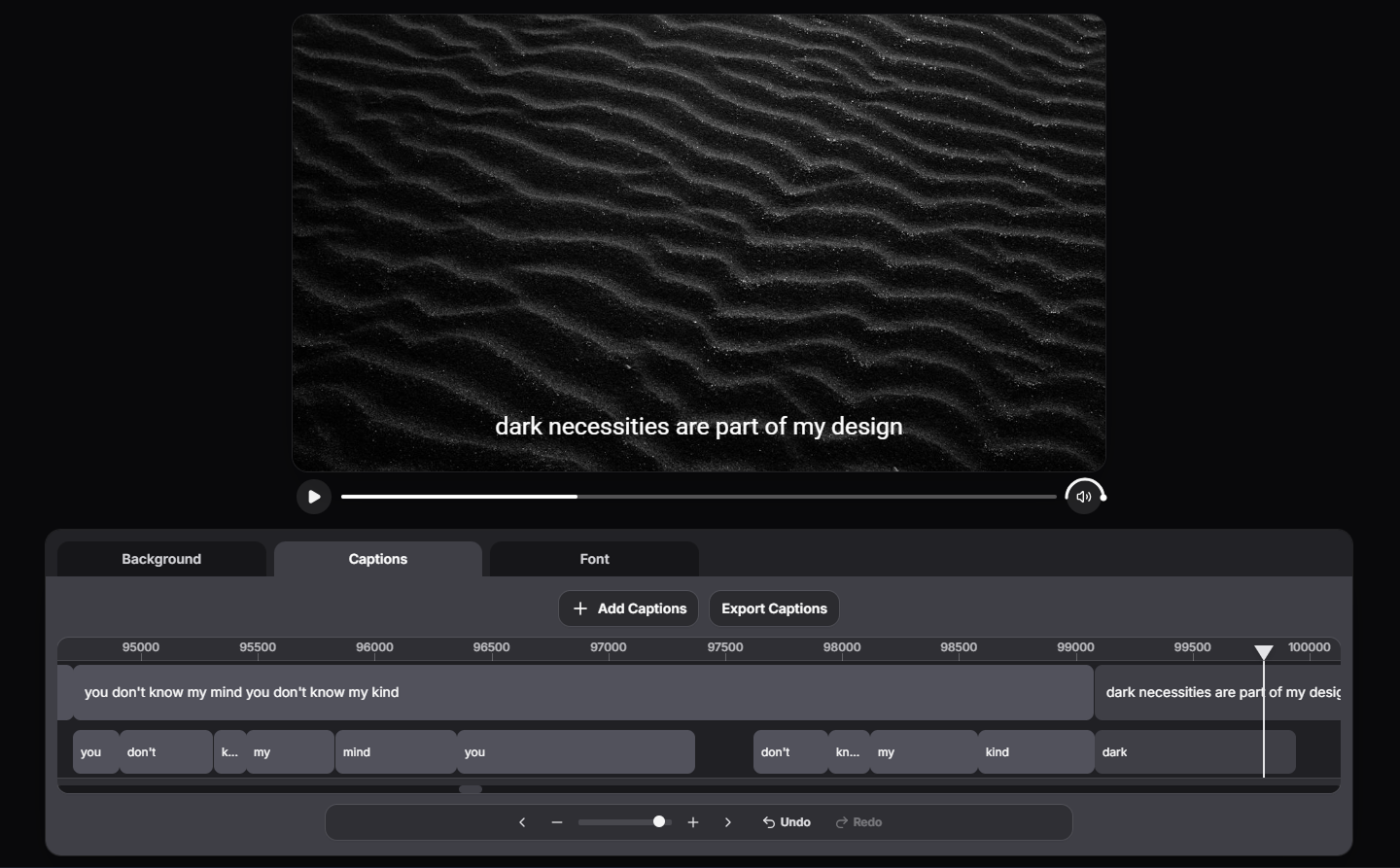
Independent musicians who want a fast and affordable way to share their music
Labels and artist managers who need a steady stream of content
Content creators who want to make trending music videos quickly
Anyone who wants to share favorite music as a beautiful video
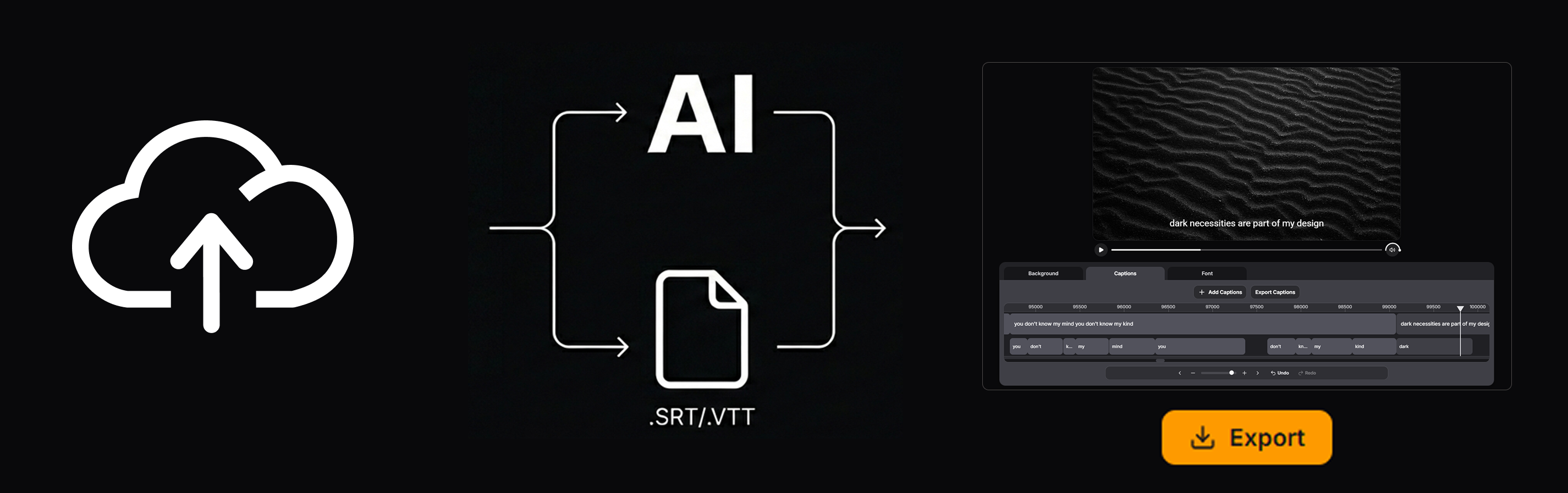
Simply upload your music file to get started
Use auto-transcription with our AI tool or import a ready .srt / .vtt file
Use our convenient editor to adjust timing, choose visuals, set styles, and export your video
Guides - Background
How to choose a background (stock or your own), set the aspect ratio, and enable effects: blur, movement, and word highlight.
Guides - Captions
Create captions with AI or import .srt/.vtt, then edit text and timings on the timeline.
Guides - Font
Choose the font, size, color, shadow, alignment, and text animation.